
 01 / Hairstyle
Hairstyle
Choose your style
Curtain bangs · Classic bob · Butterfly cut
AI BEAUTY STUDIO
Explore hair, makeup and more —
with your photo.


Drag the slider to compare. Illustrative previews · No photo upload on this website
Explore the studio
Your next favorite look
01 / HairstyleChoose your style
Curtain bangs · Classic bob · Butterfly cut
 02 / Makeup
Choose your makeup
Natural · Everyday · Evening · Bridal
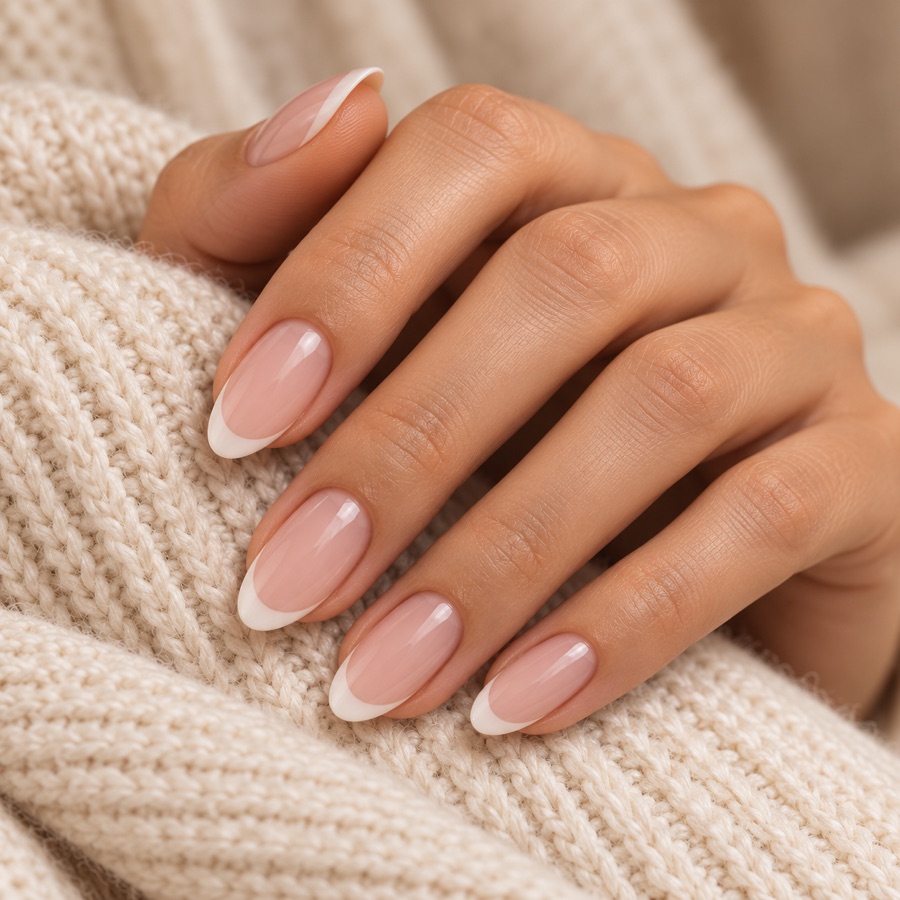 03 / Nails
Choose your look
French manicure · Solid polish · Minimal lines
AI BEAUTY STUDIO
Try new cuts, colors and makeup
before making a change.
Use a clear, front-facing selfie. Use a clear photo of your hand with the nails visible.
Bringing your selected style to your photo.
Save or share to keep a copy on your device.
Choose one clear, well-lit face photo for hair, makeup and accessories. For nails, use a hand photo with the fingernails visible. AI previews can vary from real-life results.
Your photo is sent to an AI provider to create your look or analyze your face. Our server does not store your photos or results. The current result stays in memory while you use the studio. Saving or sharing a photo is always your choice.
Photo & privacySupport
Explore hairstyles, lengths and hair colors, makeup, brows, glasses, earrings and nail designs. Face-shape insights can also suggest styles to try. Use a selfie for face looks and a hand photo for nails.
Your preview is generated by AI and is meant for inspiration. Lighting, your original photo, hair texture, products and your stylist’s technique all affect real-life results. Share a preview as a starting point for a conversation with your stylist.
When you create a preview or request face-shape insights, your photo is sent to our server and third-party AI services. Velora’s backend does not keep a photo gallery or store the full generated result. Providers have their own processing and retention practices. Read our Privacy Policy for the details.
Yes. In the app, compare your original with the result, save a generated look to your photo library, or share it using your device’s share menu. Save any look you want to keep before leaving your studio session.
Velora offers in-app purchases. The app shows the available plans, current prices and included access before you purchase. Subscription renewal, cancellation and refund details are explained in our Terms of Use.
